
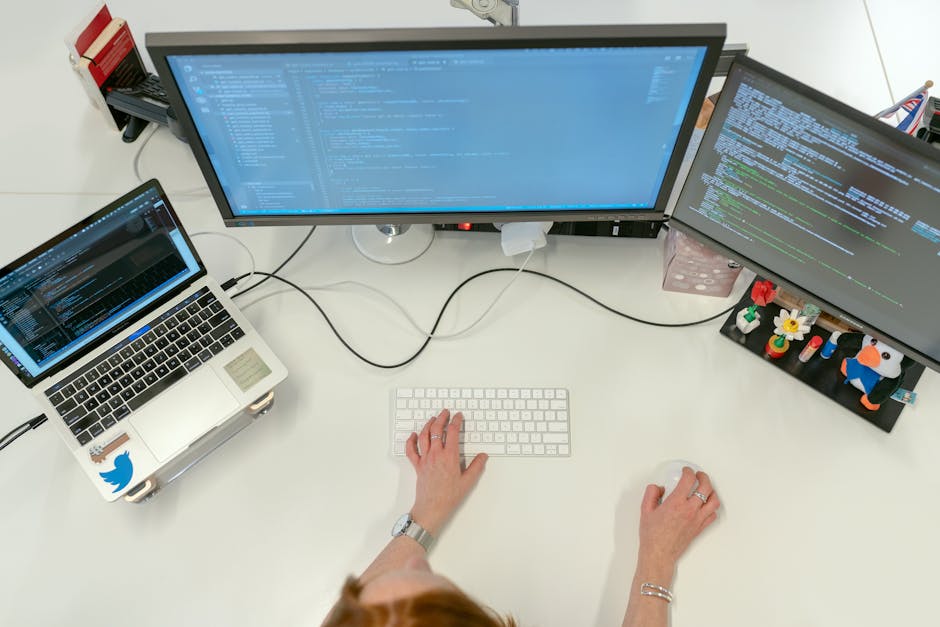
Define Your Workspace with Intention
Start by claiming a space that’s not your couch or kitchen table. A clear boundary between where you work and where you relax makes it easier to get into flow and just as important, to leave it behind when you’re done. If you’re in a tight apartment, even a curtained off corner can work. The key is psychological separation.
Now, let’s talk light. Natural light is best your brain runs better when it knows what time it is. Set up near a window if you can, and balance it out with soft, indirect LEDs for late night sessions. Skip the overhead glare. Eye strain builds up, fast.
Ergonomics isn’t just fancy chairs and influencer desk setups. It’s making sure your screen is at eye level, your chair supports your back, and your wrists aren’t at weird angles. A monitor riser or a stack of books can do wonders.
Finally, take control of your sound environment. If your space is noisy, noise canceling headphones are worth the investment. If it’s too quiet, ambient sound apps like Noisli or Endel can help you stay in the zone. Sound matters more than people think it shapes your focus, whether you notice it or not.
Master Your Digital Setup
Your tools should work for you, not the other way around. Start by setting up workspace profiles tailored to different kinds of projects Python scripts don’t need the same layout as frontend builds. Most modern IDEs let you switch these profiles with a click. Use that.
A second (or third) monitor isn’t overkill it’s strategy. Run your debugger on one screen, keep your docs open on another, and code full screen in peace. Juggling windows wastes time. Stop that.
For planning and tracking, fold in productivity apps like Notion, Trello, or Obsidian. Bonus points if you use plugins that tie your tasks directly into Git or your IDE. No more losing track of TODOs in sticky notes or half finished Markdown files.
Finally, optimize your terminal and IDE until they disappear. That means customizing your prompt, memorizing keybindings, and reducing mouse use. Something as small as learning 10 useful shortcuts can add up to hours saved each week.
Get lean, stay sharp.
Automate Repetitive Tasks
Cutting down on repetitive setup work can unlock serious time and focus for actual development. Think of automation as a long term investment every script or shortcut you build today saves you hours tomorrow.
Recreate Your Dev Environment Anywhere
Setting up a development environment should never take more than a few minutes. By leveraging dotfiles and setup scripts, you can quickly replicate your preferred config on any machine.
Dotfiles: Store your terminal, Git, and editor preferences in version controlled files
Bootstrap scripts: Automate the installation of packages and tools across any system
Portable setups: Use cloud synced or GitHub hosted dotfiles for easy access
Speed Up Everyday Coding Tasks
Small friction points add up fast. Eliminate them by learning the tools designed to save you time:
VSCode snippets: Predefined code blocks you can insert with a shortcut great for boilerplate
Git hooks: Automate actions before or after Git commands (e.g., lint before commit, run tests after pull)
Keyboard shortcuts: Customize your IDE to fit your workflow pattern and reduce mouse reliance
Use Containers and Virtual Environments
Modern development needs clean, isolated environments that don’t break after a dependency update.
Docker: Create consistent, reproducible containers for your applications
Virtual environments (Python, Node, etc.): Isolate project dependencies so versions don’t conflict
Pre built images: Use base templates as starting points to save setup time
Automation turns your environment into a self sustaining system ensuring you spend more time solving real problems and less time setting things up.
Manage Distractions Ruthlessly
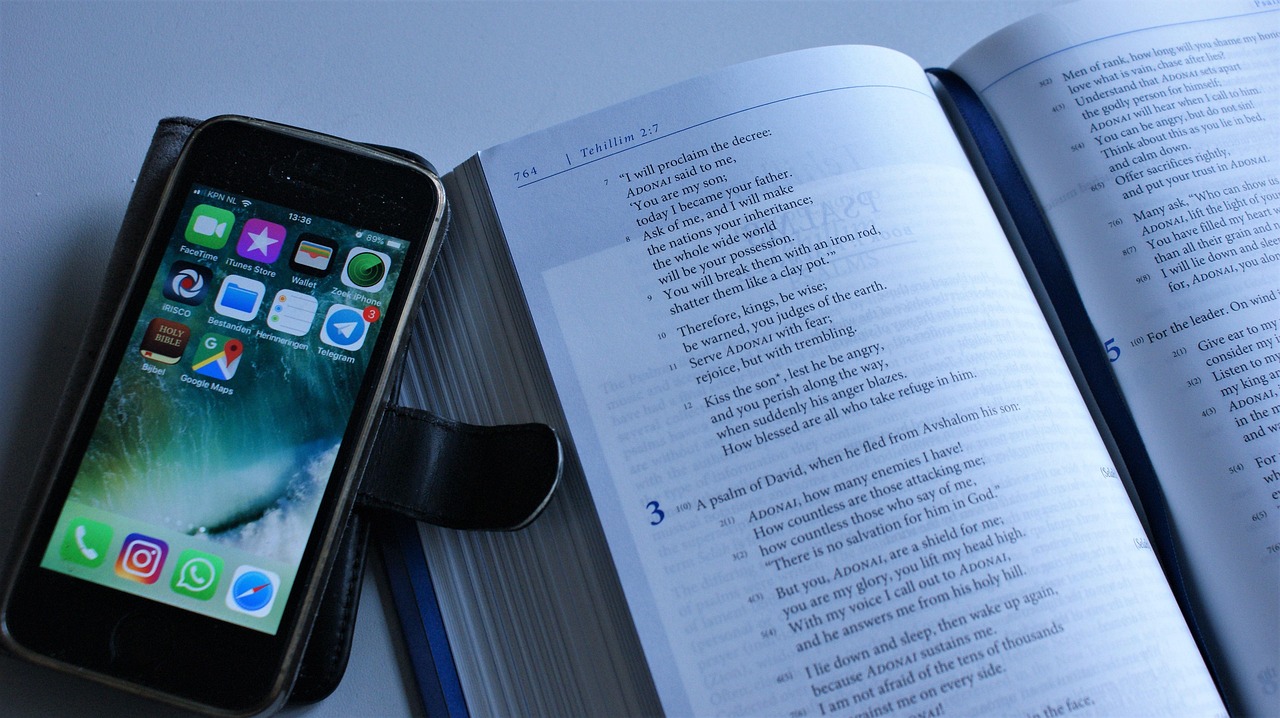
The problem isn’t knowing what to do it’s staying focused long enough to actually do it. Productivity lives and dies on your ability to get ahead of distractions before they show up.
Start by setting non negotiable work hours. Doesn’t need to be 9 to 5 just stick to whatever window you define. Treat it like a shift, not a flexible suggestion. When the session starts, it’s game time. When it ends, walk away.
During those hours, cut the digital noise. Browser extensions like Freedom or LeechBlock can wall off time wasting sites cold. Social media scroll holes and tab juggling? Gone. Your browser becomes a tool not a trap.
Keep your phone out of arm’s reach, or better yet, out of the room. Silence it. Let Do Not Disturb earn its name. Even the glance at a notification can derail a good line of code.
Finally, build your own warm up ritual. A specific playlist, that one mug of coffee, or opening your IDE in a certain order all of it tells your brain, “we’re coding now.” It sounds small, but rituals matter. Signal the start. Signal the end. Keep it tight.
Less noise. More flow.
Organize Projects Like a Pro
Messy files slow you down. Period. Your codebase should look like it was designed with intention even if you’re the only one touching it.
Start with a clear folder hierarchy. Group by function or feature, not just file type. Keep naming consistent and descriptive. It should take less than five seconds to find anything you need. If you can’t onboard yourself after a week away, your structure isn’t working.
Version control is non negotiable. Even solo projects need Git. If you’re juggling multiple repos, take the time to set up submodules or workspaces so things don’t unravel. It’s the difference between controlled complexity and a Frankenstein of folders.
For tighter Git setups across projects, this guide saves hours: How to Efficiently Manage Multiple Git Repositories.
Keep Learning and Iterating
Tech doesn’t sit still and neither should you. The sharpest developers in 2026 are building with AI tools not just beside them, but as silent partners. Think AI pair programming that flags inefficiencies before you spot them, or machine learning that sifts your error logs to identify hidden bugs. These aren’t gimmicks they’re leverage.
But tools alone won’t make you better. Block out time each month an hour, maybe two just to audit yourself. What slowed you down this month? What simplified your flow? Be honest, brutal even. Tweak your habits, workflows, and environment accordingly. Small changes compound.
Treat your setup like a living ecosystem. Needs shift. Focus wavers. That shortcut you added six months ago might be irrelevant now. Drop deadweight. Add what’s missing. Your environment should serve your skills, not distract from them. Keep it lean. Keep it sharp.
Final Reminders
Great code rarely happens in chaos. If your environment is cluttered physically or digitally it’s not inspiring, it’s draining. Too many tabs open, ten apps fighting for your attention, wires tangled, chair creaking… it adds up. Clean it. Simplify it. Then let it disappear into the background.
The best home dev setups aren’t the flashiest. They’re the ones that stay out of your way. Where you sit down, the lighting’s right, the keyboard feels familiar, and your terminal opens to exactly what you need. No mental friction. No wasted time. Just a clear signal to your brain: it’s coding time.
There’s no universal formula for the perfect environment just the one that keeps you deep in flow. So audit yours. Tweak one thing. Then another. Over time, you’ll know when you’ve got it right, because you won’t notice it at all.
 Ask Amyinta Mackeystin how they got into expert analysis and you'll probably get a longer answer than you expected. The short version: Amyinta started doing it, got genuinely hooked, and at some point realized they had accumulated enough hard-won knowledge that it would be a waste not to share it. So they started writing.
What makes Amyinta worth reading is that they skips the obvious stuff. Nobody needs another surface-level take on Expert Analysis, Tech Tips and Resources, Latest Tech News. What readers actually want is the nuance — the part that only becomes clear after you've made a few mistakes and figured out why. That's the territory Amyinta operates in. The writing is direct, occasionally blunt, and always built around what's actually true rather than what sounds good in an article. They has little patience for filler, which means they's pieces tend to be denser with real information than the average post on the same subject.
Amyinta doesn't write to impress anyone. They writes because they has things to say that they genuinely thinks people should hear. That motivation — basic as it sounds — produces something noticeably different from content written for clicks or word count. Readers pick up on it. The comments on Amyinta's work tend to reflect that.
Ask Amyinta Mackeystin how they got into expert analysis and you'll probably get a longer answer than you expected. The short version: Amyinta started doing it, got genuinely hooked, and at some point realized they had accumulated enough hard-won knowledge that it would be a waste not to share it. So they started writing.
What makes Amyinta worth reading is that they skips the obvious stuff. Nobody needs another surface-level take on Expert Analysis, Tech Tips and Resources, Latest Tech News. What readers actually want is the nuance — the part that only becomes clear after you've made a few mistakes and figured out why. That's the territory Amyinta operates in. The writing is direct, occasionally blunt, and always built around what's actually true rather than what sounds good in an article. They has little patience for filler, which means they's pieces tend to be denser with real information than the average post on the same subject.
Amyinta doesn't write to impress anyone. They writes because they has things to say that they genuinely thinks people should hear. That motivation — basic as it sounds — produces something noticeably different from content written for clicks or word count. Readers pick up on it. The comments on Amyinta's work tend to reflect that.